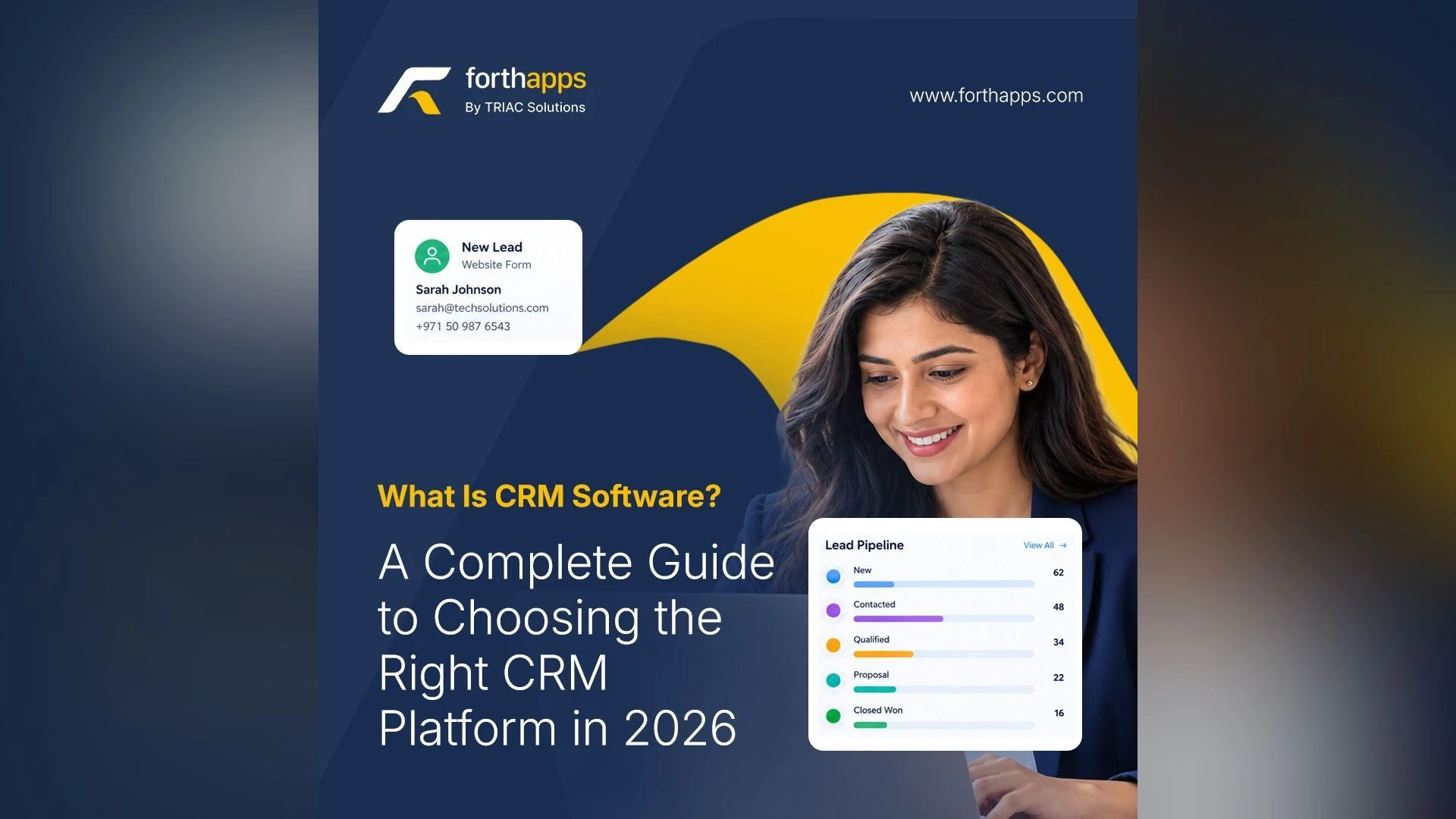
What Is CRM Software? A Complete Guide to Choosing the Right CRM Platform in 2026
Businesses of every size are trying to stop losing leads, forgetting follow-ups, and keeping customer details scattered across spreadsheets and chat threads. This guide explains what CRM is, what a good CRM system should do, and how to choose one that fits your team.
If you have ever typed "CRM software what is" into Google, you are in good company. Businesses of every size are trying to work out how to stop losing leads, forgetting follow-ups, and keeping customer details scattered across spreadsheets and chat threads. This guide explains what CRM is, what a good CRM system should do, and how to choose one that fits your team.
What Does CRM Stand For?
If you are wondering what CRM stands for, the answer is customer relationship management. In practice, it means one shared place where your team records every lead, conversation, task, and deal, so nobody has to guess what happened last or what should happen next.
You will see the idea described in several ways: customer relationship, customer interaction management, CRM relationship management, or customer relationship management system. Some people even search for "customer resource management software", which is a common mix-up, but they are all looking for the same thing: a system that keeps customer relationships organized. Whatever you call these CRMs, the goal is the same.
Why Businesses Need CRM Software
Most businesses don't lose customers because their product is weak. They lose them because a lead waited three days for a reply, or a promised callback never happened. CRM software fixes this by making every interaction visible and every next step clear.
A good customer relationship management software gives you:
One centralized record for every lead and customer
Clear ownership, so each lead has an assigned salesperson
A history of every activity and follow-up
Reports that show what is working and what isn't
Types of Customer Management Software
The market is full of similar-sounding names, so it helps to know how they differ.
Customer management software and relationship management software are broad terms for tools that track your customers and how you interact with them.
Customer relationship software and customer CRM software usually mean the same thing in everyday searches.
CRM management software focuses on managing the sales side: leads, deals, and tasks.
IT CRM software is a term often used by teams who want a CRM that connects to their website and other systems through an API.
Customer retention management software helps you keep existing customers by tracking follow-ups and interactions, so you never neglect an account after the sale.
CRM Tools, Platforms, and What to Look For
Whether you are comparing CRM tools, CRM management tools, customer relationship management tools, or customer management tools, judge them on a few practical points.
1. Lead management software that works from day one.
Leads arrive from your website, ads, calls, and referrals. Good lead management software captures them in one place, assigns them, and records the source and status.
2. A visible sales pipeline.
A sales pipeline shows every opportunity moving through stages such as prospecting, negotiation, won, and lost, so managers can see where deals stall.
3. Follow-up and task tracking.
A sales CRM should show what is due today, what is overdue, and what is coming up.
4. Useful CRM reports.
Reports on leads, deals, and tasks, filtered by date, show which sources bring in the best customers and how your team is performing.
5. Flexibility.
Custom fields, statuses, and deal types let the tool follow your process, not the other way around.
Choosing a CRM Platform
Today most businesses look for a CRM platform rather than a single-purpose tool. You will also see it searched as platform CRM. A customer relationship management platform brings leads, tasks, deals, reports, and integrations into a single workspace. The best CRM software in this category is the one your team will actually use every day, so ease of use matters as much as the feature list.
A cloud CRM helps here. It runs in the browser, needs no installation, and keeps your whole team on the same live data. If your salespeople work in the field, a CRM mobile app lets them log calls and update deals the moment a conversation ends.
Meet ForthCRM: A Customer Relationship Management CRM Software for Growing Businesses
ForthCRM, from ForthApps, is a customer relationship management CRM software built to manage leads, follow-ups, tasks, deals, and sales activity from one platform. It is designed for enterprises and growing businesses across industries. Here is what it includes:
Smart CRM dashboard: Total leads, new leads, today's and overdue tasks, won deals, revenue, and lead status distribution on one screen.
Lead management: Detailed customer information, assigned sales agents, sources, statuses, activities, and full follow-up history.
Deal management: A visual pipeline that tracks deal values across prospecting, negotiation, won, and lost.
Task and activity management: Schedule, prioritize, and reschedule tasks, with a complete record of customer interactions.
CRM reports: Lead, deal, and task reports with flexible date ranges and quick filters.
Custom fields and deal types: Set up the CRM around your own sales process.
Meta Lead Ads integration: A strong fit if you want a Facebook lead ads CRM workflow. Facebook and Instagram lead form submissions flow straight into your pipeline.
Website / public API: Connect your website and external apps securely with API keys and permission-based access.
CRM on the go: Manage leads, follow-ups, tasks, and deals from an iOS or Android device.
Free CRM and CRM for Small Business
Many people begin with a search for a free CRM, and testing before committing is smart. ForthCRM offers a 14-day free trial with no commitment, and you can cancel anytime. You can start from the ForthApps pricing page.
If you are looking for a CRM for small business, keep it simple. You need something quick to set up and easy for non-technical staff, focused on capturing leads, following up on time, tracking deals, and seeing results. ForthCRM covers those basics and lets you add custom fields and integrations as your team grows.
How to Get Started in Five Steps
List where your leads currently come from, such as your website, social ads, calls, and referrals.
Define your pipeline stages and lead statuses.
Decide who owns which leads and what "follow-up" means for your team.
Start a trial and run one full week of real work through it.
Review the reports and adjust.
Final Thoughts
Customer relationship management is not about adding more admin work. It is about making sure no lead slips through, every follow-up happens, and your team spends its time selling instead of searching. Whether you call it a CRM system, CRM platform, or customer management software, the right choice is the one that fits how your business sells. To see whether it fits yours, explore ForthCRM.